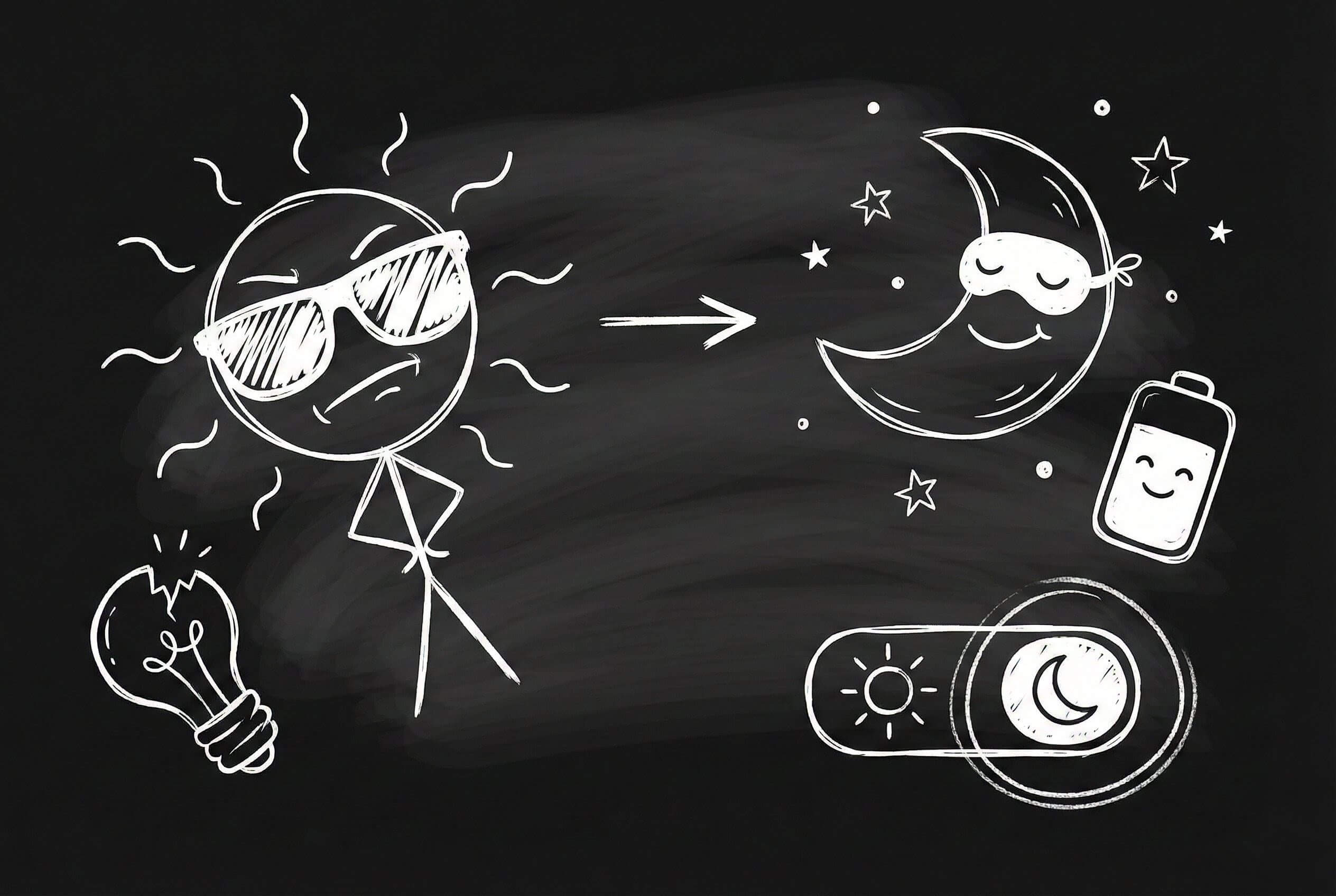
Dark mode isn't just a trend—it's a feature users genuinely love. But implementing it poorly can hurt more than help. Let's talk about doing it right.
Why Dark Mode Matters
- Reduced eye strain in low-light environments
- Better battery life on OLED screens
- Accessibility for light-sensitive users
- Aesthetic preference for many users
Don't Just Invert Colors
The biggest mistake? Simply inverting your color scheme. True black (#000000) can be harsh. Instead, use dark grays:
- Background:
#1a1a1aor#121212 - Surfaces:
#2a2a2aor#1e1e1e - Text:
#e0e0e0or#f5f5f5
Contrast is Key
Maintain proper contrast ratios (WCAG AAA standard is 7:1 for text). Test with tools like Contrast Checker.
Semantic Color Tokens
Use CSS custom properties:
:root {
    --bg-primary: #ffffff;
    --text-primary: #1a1a1a;
}

[data-theme="dark"] {
    --bg-primary: #1a1a1a;
    --text-primary: #e0e0e0;
}
Respect System Preferences
@media (prefers-color-scheme: dark) {
    /* Dark mode styles */
}
Users who set their system to dark mode expect your site to respect that preference.
Images and Media
Don't forget about images! Consider:
- Reducing image opacity in dark mode
- Providing alternate image assets
- Using CSS filters for subtle adjustments
[data-theme="dark"] img {
    opacity: 0.9;
}
Testing Checklist
- Test on actual devices (not just simulators)
- Check at different brightness levels
- Verify all interactive states (hover, focus, active)
- Test with screen readers
- Get feedback from users
Dark mode done right feels natural and effortless. Done wrong, it's jarring and uncomfortable. Take the time to do it properly.
Dark mode is part of holistic user experience design — it shows you respect user preferences. Implement it in Progressive Web Apps for native-like feel. Check out how this website implements dark mode with PicoCSS. Good UX details like dark mode reduce customer churn in SaaS products. And make sure your SaaS pricing page works beautifully in both themes.